Your first site
In this tutorial you copy the example site, see it in your browser, change a post and watch the page update, add a garden note and build the result. It takes a few minutes, and assumes you have installed Folia.
Copy the example
The repository has a small, complete site in
examples/minimal-site:
a blog, microblog entries, a digital garden and a few pages: the four collections. Copy it to start
your own, and make it a git repository, because Folia reads dates from git:
git clone https://github.com/ggirelli/folia-web.git
cp -r folia-web/examples/minimal-site my-site
cd my-site
git init && git add . && git commit -m "First commit"
See it
folia serve
Folia builds the site, prints one warning (the example has a broken wiki-link on purpose) and
serves it at http://127.0.0.1:4000/. Open it. The blog at /blog/ lists the two example posts.
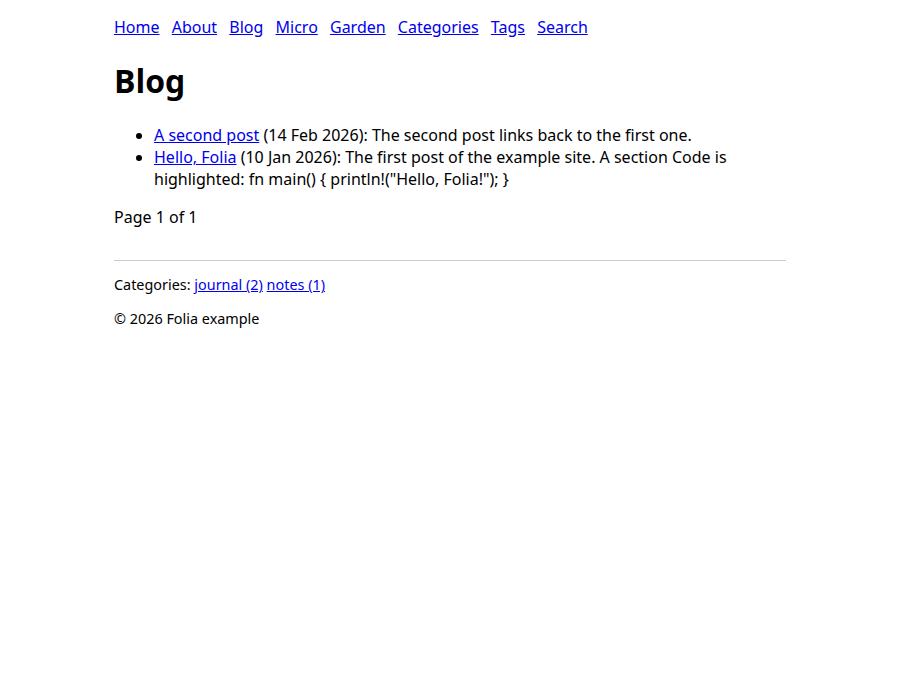
The example's styling is minimal on purpose: the point is the structure, and the look is yours to write in the templates.
Change a post
Keep folia serve running and open _posts/2026-01-10-hello-folia.md. A post is a Markdown file
with front matter, and its file name gives its date and URL:
---
title: Hello, Folia
author: ada
categories: [journal]
tags: [folia, rust]
---

The first post of the example site.
This file becomes the page /blog/2026/01/10/hello-folia. Change the title, save, and watch the
terminal print a line like [14:03:22] Changed: _posts/2026-01-10-hello-folia.md; building again.
The page open in your browser reloads. Only the files whose content changed are written, and a
mistake (say, a front matter key Folia does not know) shows over the page and in the terminal
until you fix it.
Add a garden note
The garden lives in _garden/, and its notes link to each other by
title. Make _garden/topic/new.md:
---
title: A new note
date: 2026-03-01
---

This note points back to [[A leaf note]].
Save it and open http://127.0.0.1:4000/dg/topic/new. Then open the note it names,
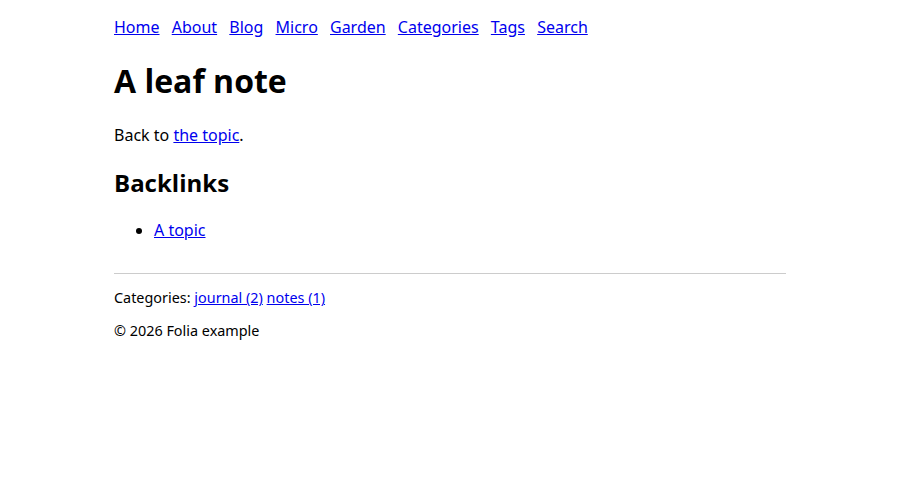
/dg/topic/leaf: the new note is listed under its backlinks, without you editing the leaf note.
Build it
Stop folia serve with Ctrl+C. To produce the site you publish, use folia build, which needs a
destination outside the site:
folia build --dest ../my-site-out
It prints the warning again and a summary, Built 18 pages, … (the counts grow with what you add).
../my-site-out now holds plain files: blog/, dg/, feed.xml, sitemap.xml, and so on. Upload
them to any static host.
A note on the two commands: folia serve builds into your cache directory and sets the site's URL
to the local address, so use it to write and folia build to publish. Its links are root-relative
(/about), so open the build through a server that maps clean URLs, as your host does, rather than
as files.
How the site is laid out
Now that you have seen it work, here is what you copied:
my-site/
  _folia/
    folia.toml          the configuration: where things are, who writes, feeds, search
    templates/          the page templates (MiniJinja)
    search/search.js    the code of the search script, if the site has search
  _posts/               blog posts: 2026-01-10-hello.md
  _micro/{notes,likes,bookmarks,rsvps}/    microblog entries
  _garden/              garden notes, in any folders you like
  about.md, index.md    pages: any other file with front matter
  assets/               static files, copied as they are
The directory names _posts, _micro and _garden are the example's: you name them in the
configuration's [roots]. From here:
- Writing content: the files and their front matter.
- Templates: what each template can use.
- Configuration reference: every key of
folia.toml. - Build and deploy: the destination, Sass and a CI recipe, then the command-line reference for the exit status.