Quizzes among friends
Put the questions on the TV, and let every team answer on a phone. Quaesito runs on your laptop, works without internet, and needs no accounts or app installs.
Windows, macOS and Linux. Free and open source (MIT).

Free, open source and vibe coded
- Free and open source under the MIT licence, provided as is, without warranty.
- Fully vibe coded: an AI assistant (Claude) wrote all of its code, tests and docs; see how it was made.
- Donations are welcome on Ko-fi; GitHub Sponsors is coming soon.
Made for game nights
- Runs on your local network, no internet or accounts needed
- Up to 50 teams by default, as many as 10,000 if you like, with any number of players per team
- Quiz editor in the browser that saves as you type
- Test mode: the big screen and phones side by side
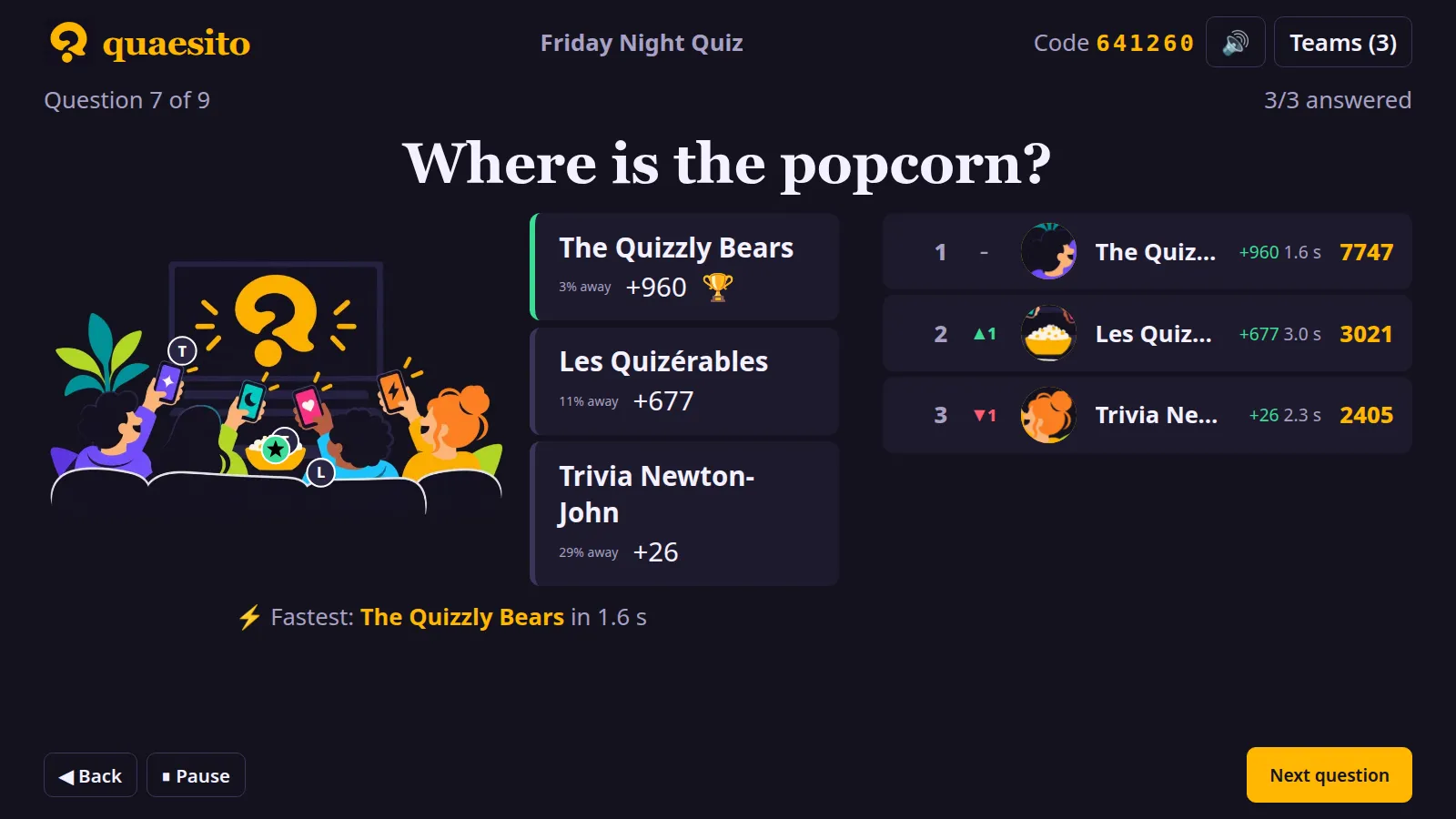
- Pictures revealed by zooming out or tile by tile
- Soundtracks that start with the clock, and sound effects up to the fanfare
- Pause, extra time and going back when life happens
- Jokers and double-points questions
- Games survive a crash or restart
- Results to print or download as CSV
- Export quizzes with their pictures to share them
See it in action
A quiz played on the test page, narrated. Transcript.
Ready in three steps
-
Start it
Unpack the download and double-click the start script. Your browser opens quaesito; the window shows the admin password.
-
Write a quiz
Build it in the browser: questions, pictures, soundtracks, slides. Press Test to play it on your own first.
-
Play
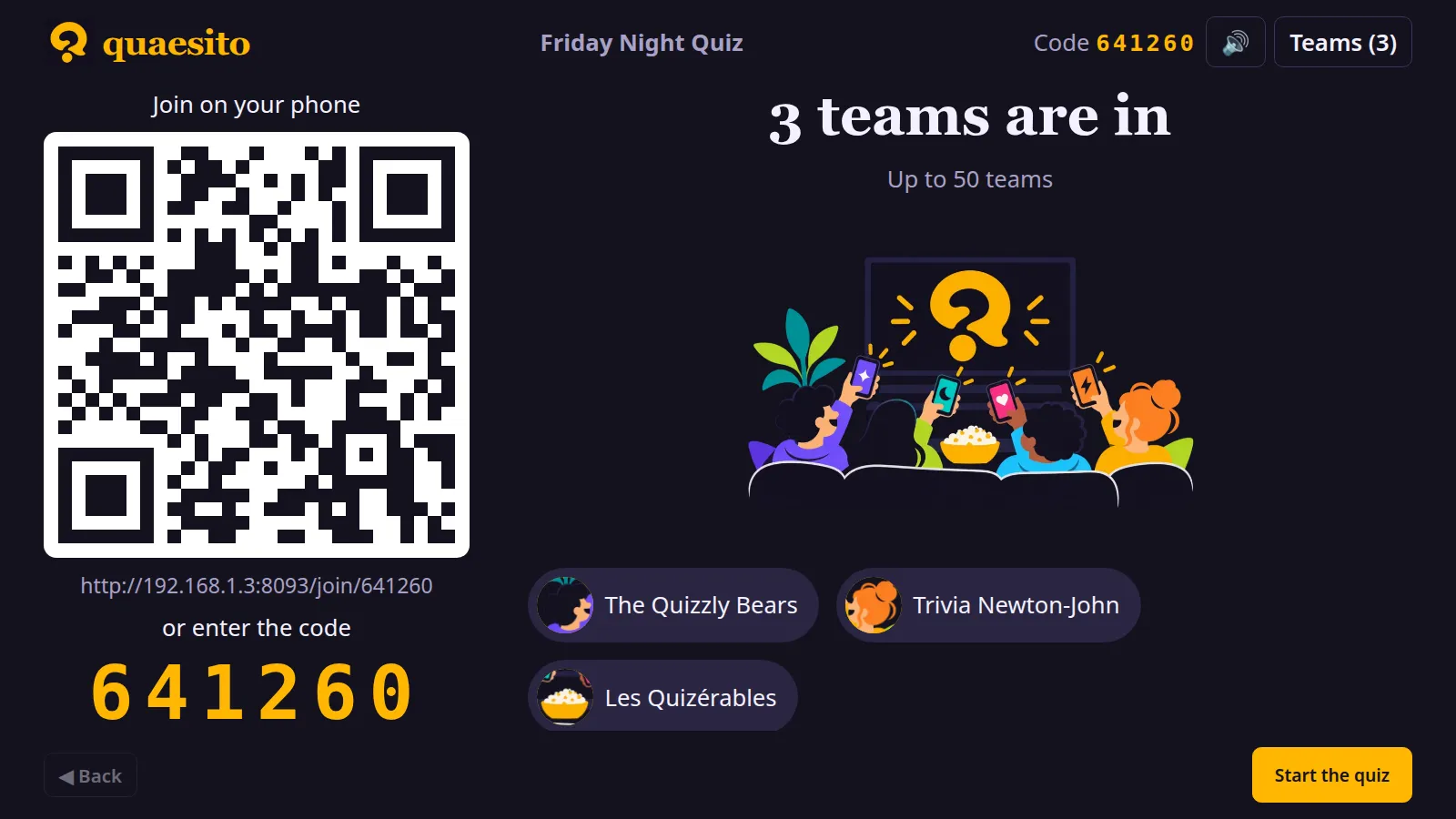
Show the big screen on the TV. Teams scan the QR code on the same Wi-Fi and answer against the clock.
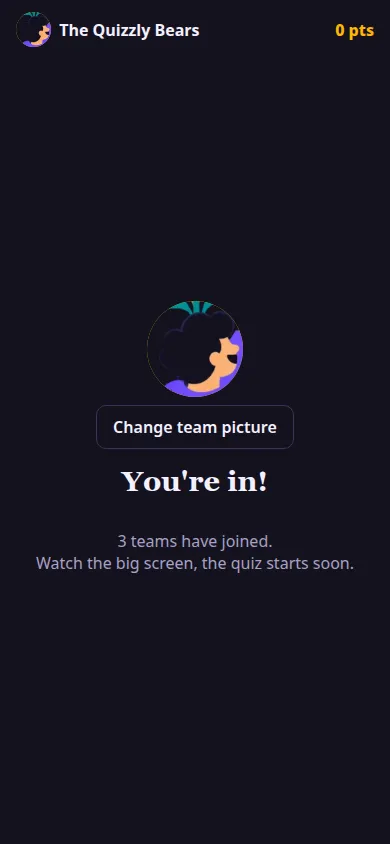
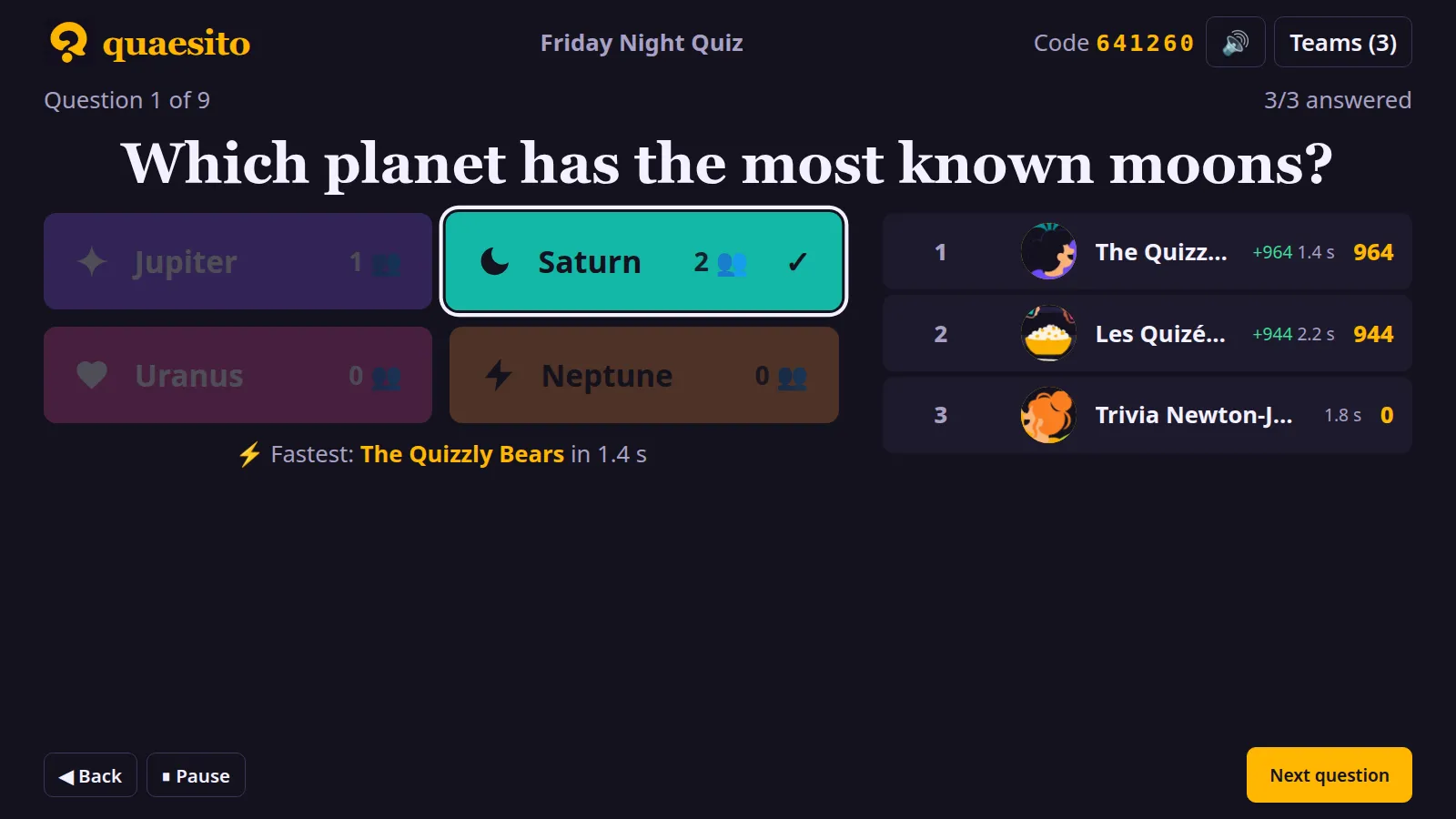
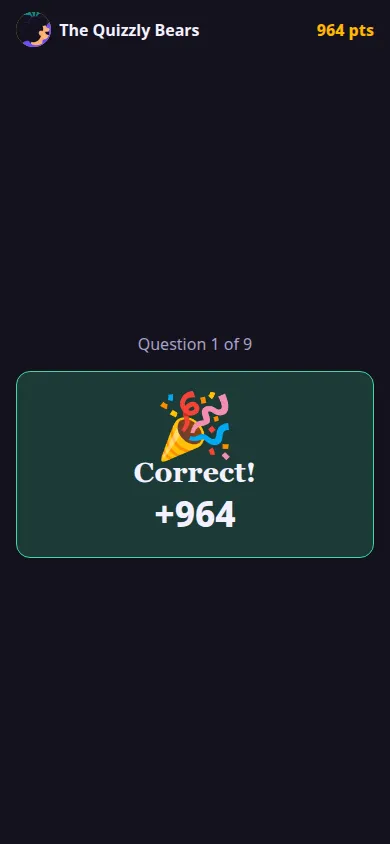
The big screen and the phones
Every kind of question
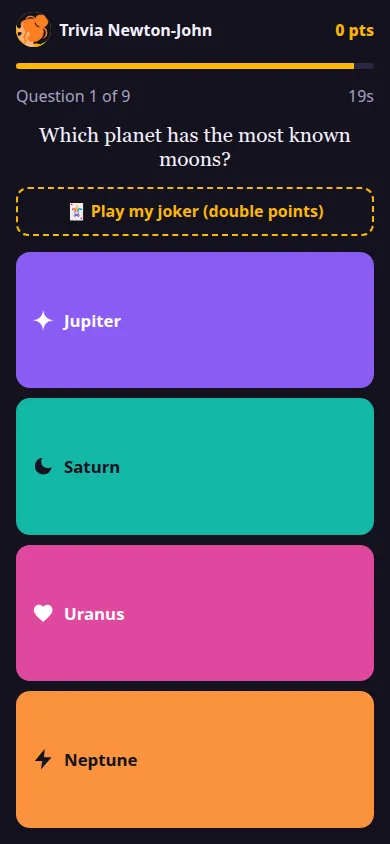
- Multiple choice: two to six answers, one or several right, with pictures if you like.
- True or false: quick statements to keep the pace up.
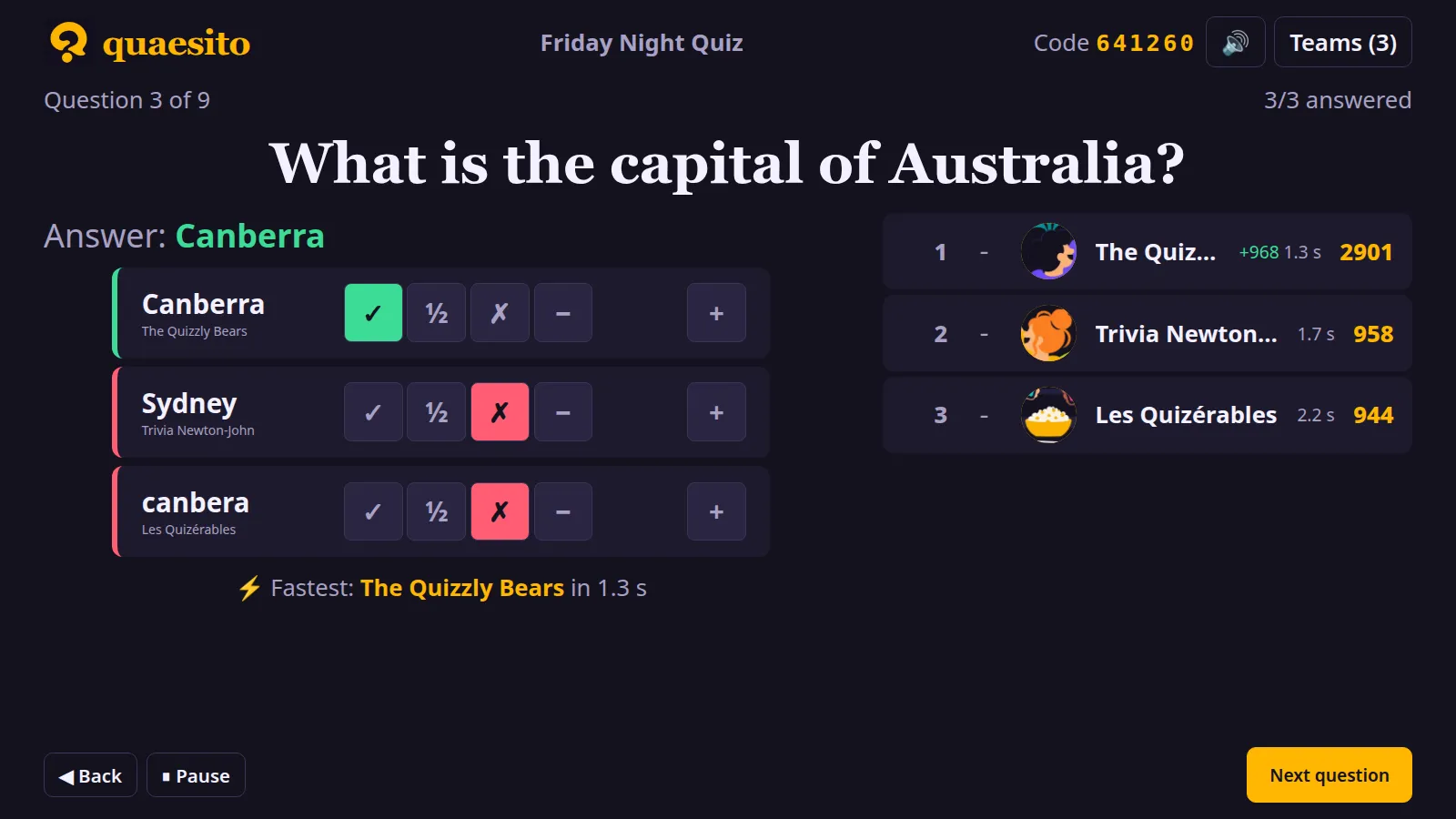
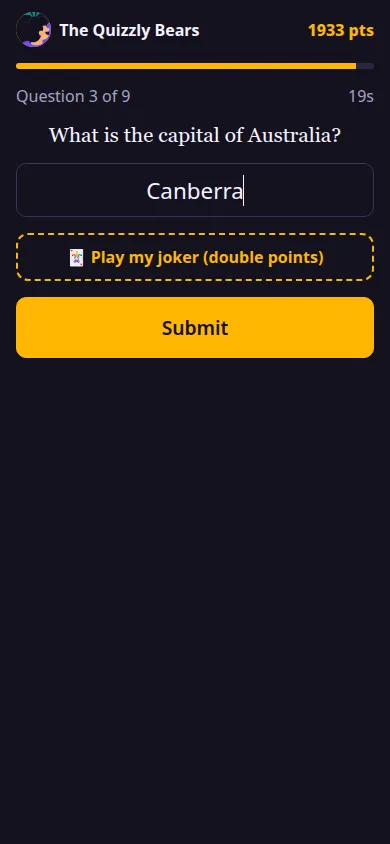
- Typed answers: teams type; you judge on the big screen: full, half or no points, bonus or malus.
- Closest number: how many keys on a piano? The closest guess wins.
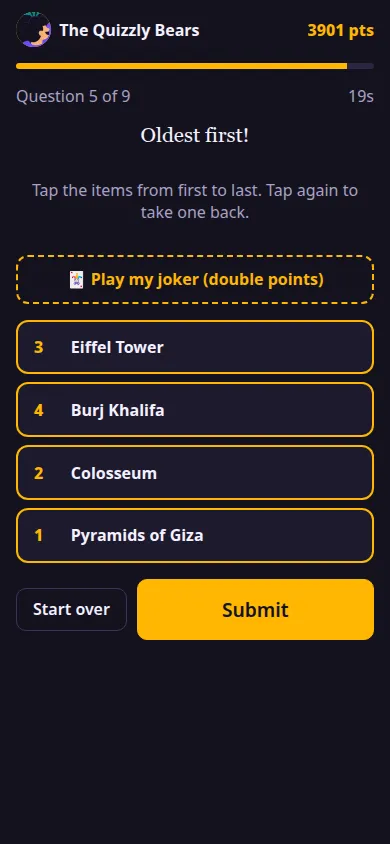
- Put in order: oldest first, biggest first; each item in place earns points.
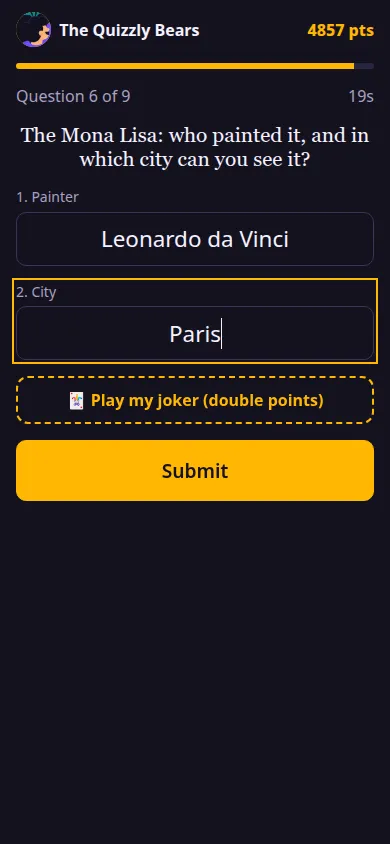
- Several answers: title and artist, or five posters, each part judged on its own.
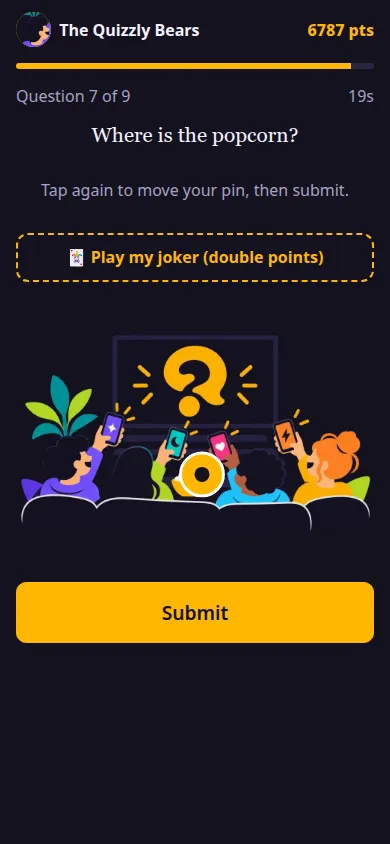
- Pin on a picture: maps, floor plans, paintings; the closer the pin, the more points.
- Slides: announce rounds and rules between questions.