Running the game
- Start a game: press ▶ Start next to a quiz, choose how many teams may join, and start.
- Tick Shuffle the answers to play the multiple-choice answers in a new order, for this game only: the saved quiz keeps its own.
- Untick Teams can add a picture to keep uploads off the big screen: teams then pick one of the 16 ready-made pictures, or show their initial. Only phones on the same network as quaesito can upload a picture: phones joining over the internet always pick a ready-made one.
- Show the big screen on the TV, full screen with F11.
- Teams join: they scan the QR code, or open the address shown and type the game code. Then they pick a name, a picture (their own, or one of 16 ready-made mascots) and a background for it: a colour or a gradient, which shows behind their initial and through the see-through parts of a picture (the mascots, or a PNG with a transparent background). The mascots' colours turn with the background, so they stand out on every one. If phones cannot connect, see troubleshooting.
- Until the quiz starts, teams can change their name (not to one another team has), picture and background under Change your name or picture on their phone.
- Play: move on with the big button, and use the controls below.
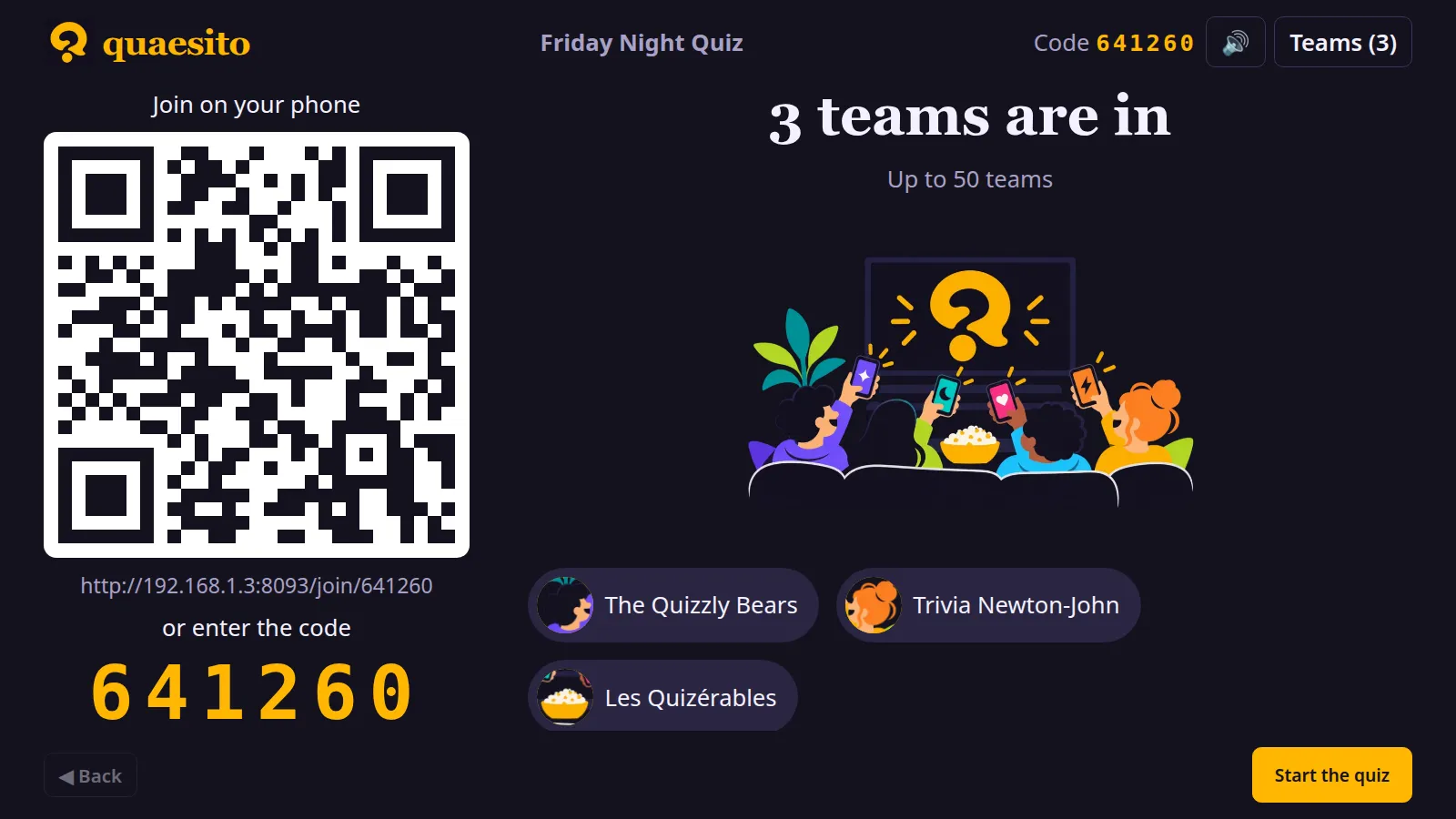
A quiz played on the test page, narrated (transcript).
How many can play
Each team plays from one phone, with as many players gathered around it as you like. A game takes 50 teams unless you choose otherwise when you start it: lower it to keep a game small, or raise it for a big event, up to 10,000 teams. There is always a limit, so a misbehaving phone or script cannot flood a game with teams, but you can set it far beyond what any Wi-Fi network holds: a home router usually manages a few dozen phones, so for a crowd use a venue's network or proper access points.
| To… | Press |
|---|---|
| move on | the big button, Right, Page Down or N (presentation clickers work) |
| go back | Left, Page Up or B: the previous slide, results or podium step, or out of a question opened by mistake |
| reopen a question closed by mistake | ↺ Reopen on its results (go back to them first if you already moved on): the teams that had not answered get a fresh clock, answers already in stay |
| pause | P or ⏸: the clock, the music and the automatic advance stop |
| give more time | +10 s while a question is open |
| rename or remove a team | Teams in the top bar |
| stop new teams joining | Teams in the top bar: untick New teams can join once every team is in; teams already in can still reconnect |
| go back to the admin page | in the top bar |
| turn uploaded team pictures on or off | Teams in the top bar: turning them off removes those already uploaded; ready-made pictures and backgrounds stay |
| mute sound effects | in the top bar |
| switch to a light or dark screen | / in the top bar (also on the home and admin pages; each device remembers its choice) |
Judging
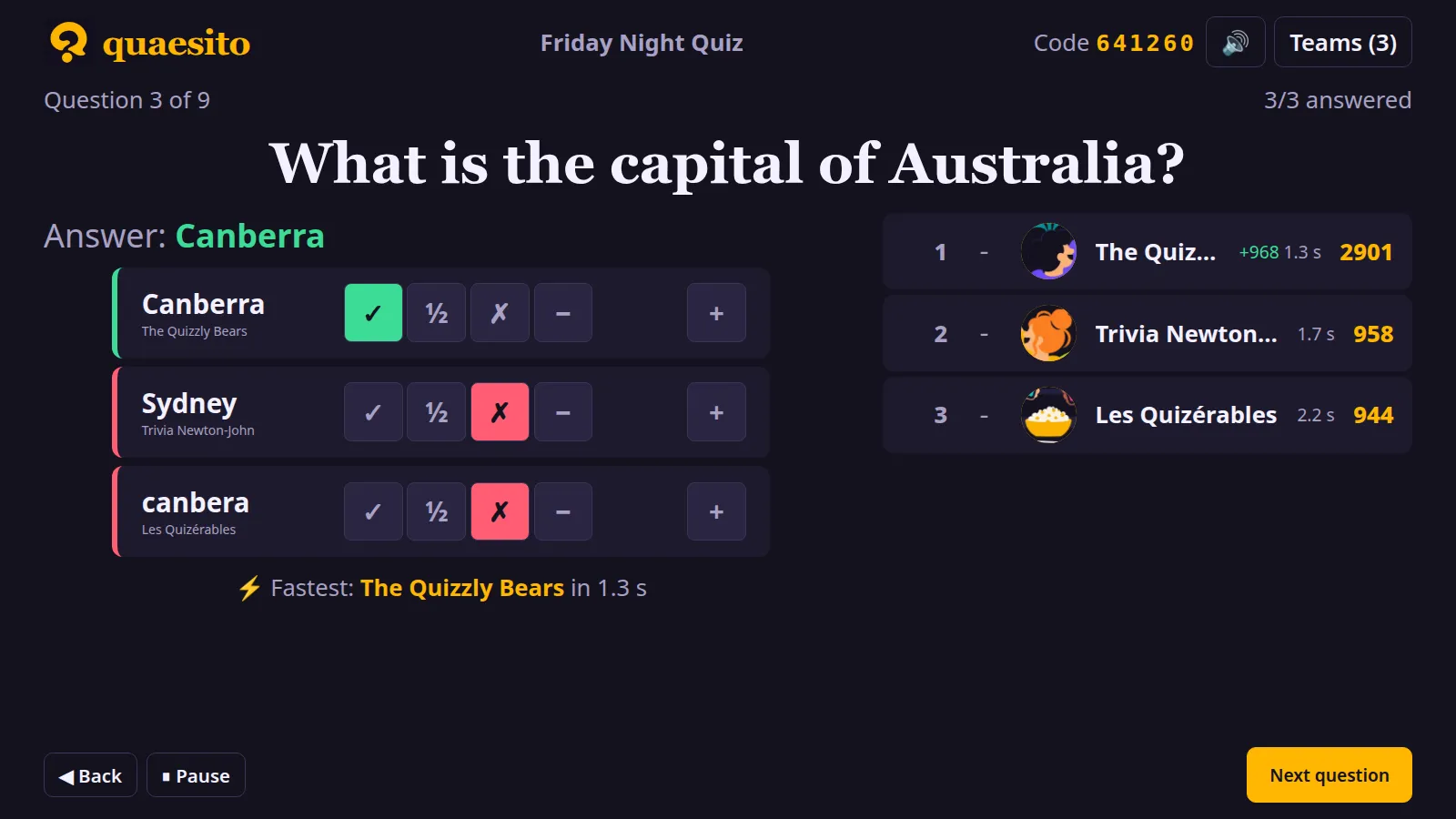
For typed answers, the reveal groups identical answers: mark each group ✓ full, ½ half or ✗ no points, and add a bonus or malus with − and +. Number guesses take a bonus or malus the same way. Standings update straight away.
If something goes wrong
- A team typed a silly name: rename it, or remove it, from Teams.
- A team uploaded an unfortunate picture: untick Teams can add a picture under Teams.
- The doorbell rings: pause with P; answers already sent still count.
- You moved on by mistake: go back with Left. Leaving a question that is still open cancels it, and it is asked again later.
Crashes and restarts
If the laptop goes to sleep or the server restarts, the game comes back paused where it was, with the same time left; phones and the big screen reconnect by themselves. Press ▶ Resume to carry on.